Free · no watermark
Write your resume once.
Tailor it for every job.
Haisleaf is a resume builder you edit on the page itself, at the size it prints. Change it for a new role and the old version stays — every save is kept, so nothing you wrote is ever gone.
- 01WriteType on the page, in one of twelve typeset templates.
- 02TailorPaste a job description, fix what it says is missing.
- 03KeepExport a PDF. The old version is still there.
A real editor, not a form.
A rail of five stops, one panel beside it, and the rest of the window is the page. Click any line to edit it and the inspector takes the panel — nothing else moves, so an A4 sheet still fits at 100% on a laptop. Density and zoom are sliders, not buried settings, and the page you are looking at is the page that gets printed.
1 Rail
Five stops: content, customize, tailor, inspector, history. One panel is open at a time, so the page keeps the width.
2 Panel
Whichever stop you are on. Sections and entries here; click a line on the page and the inspector takes the same column.
3 Page
A read-only projection of the paginated document — the same page objects the PDF is built from.
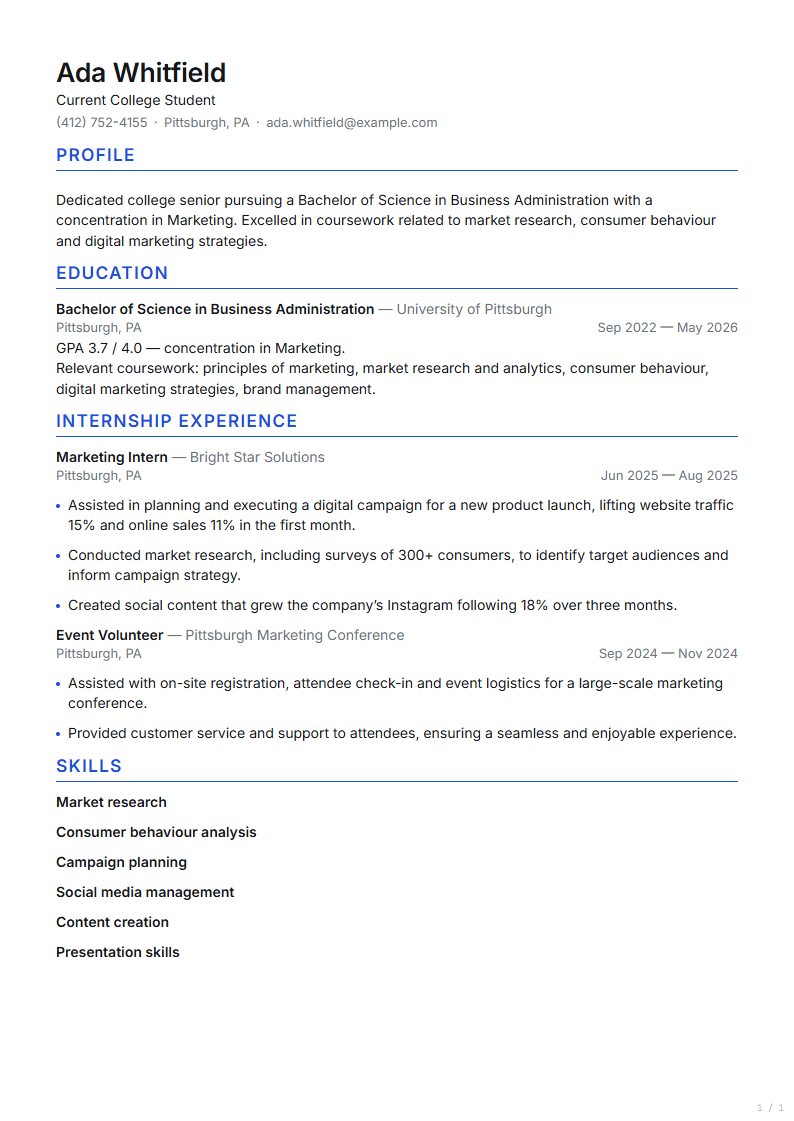
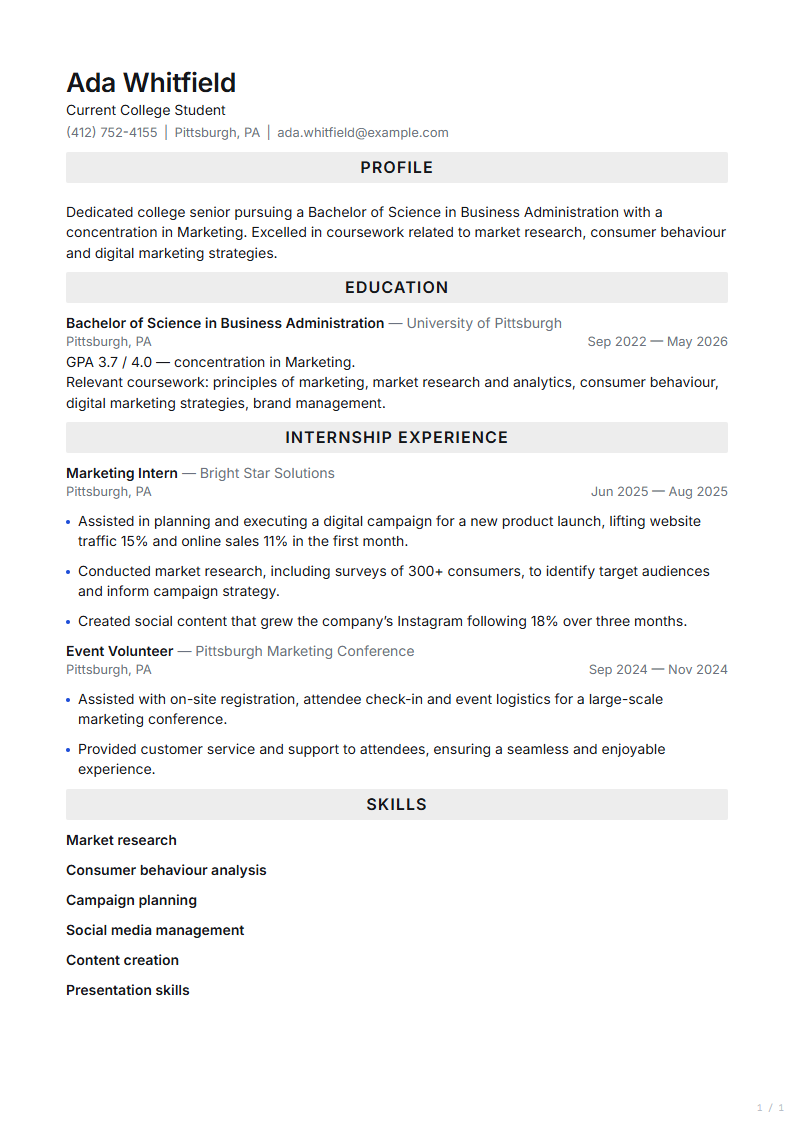
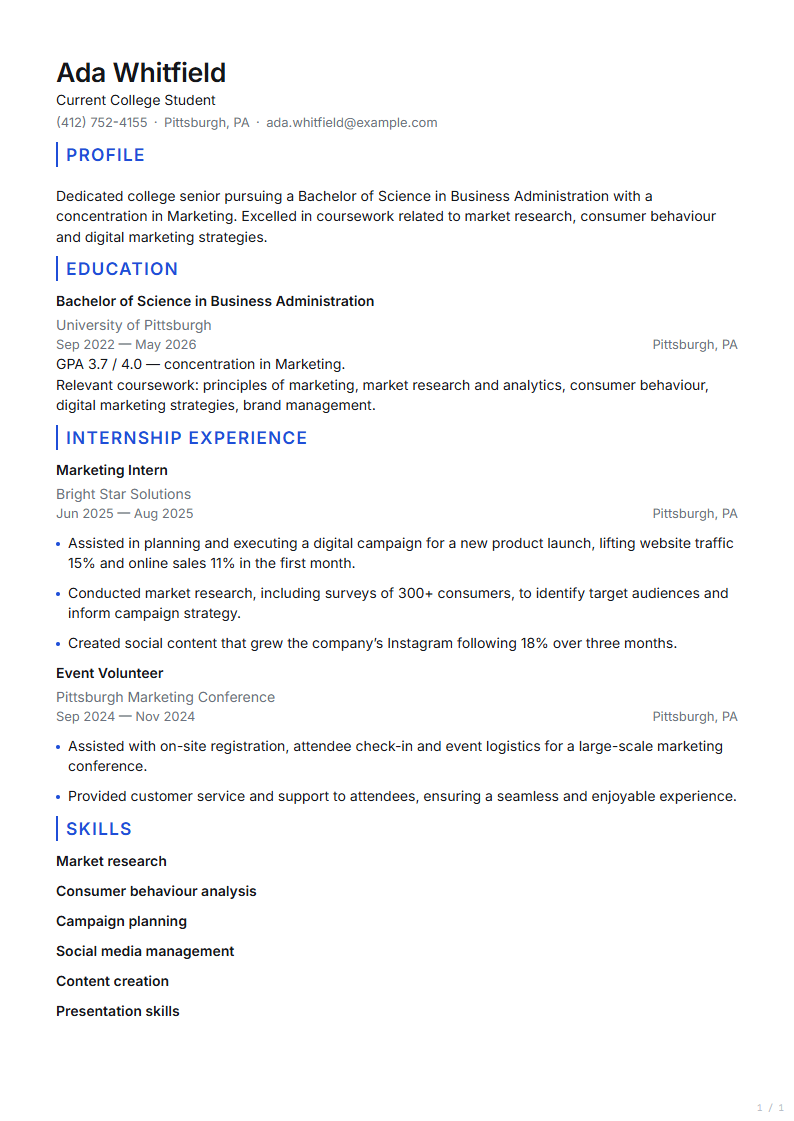
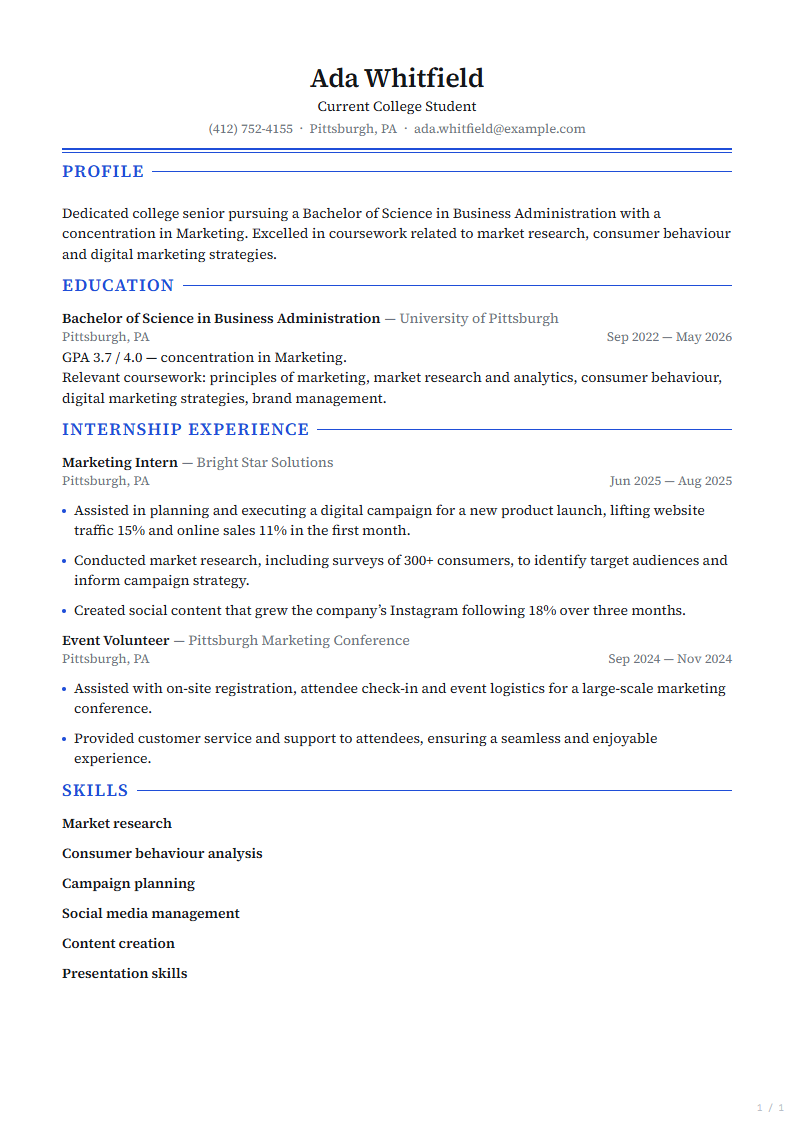
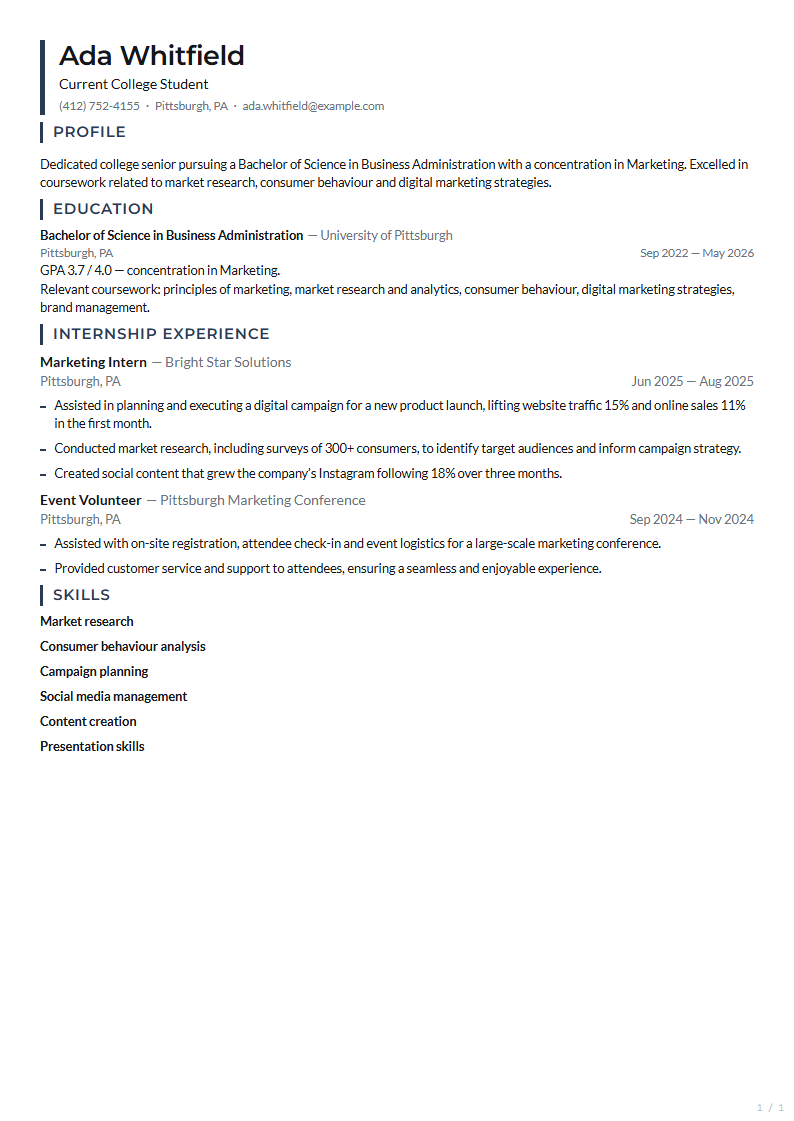
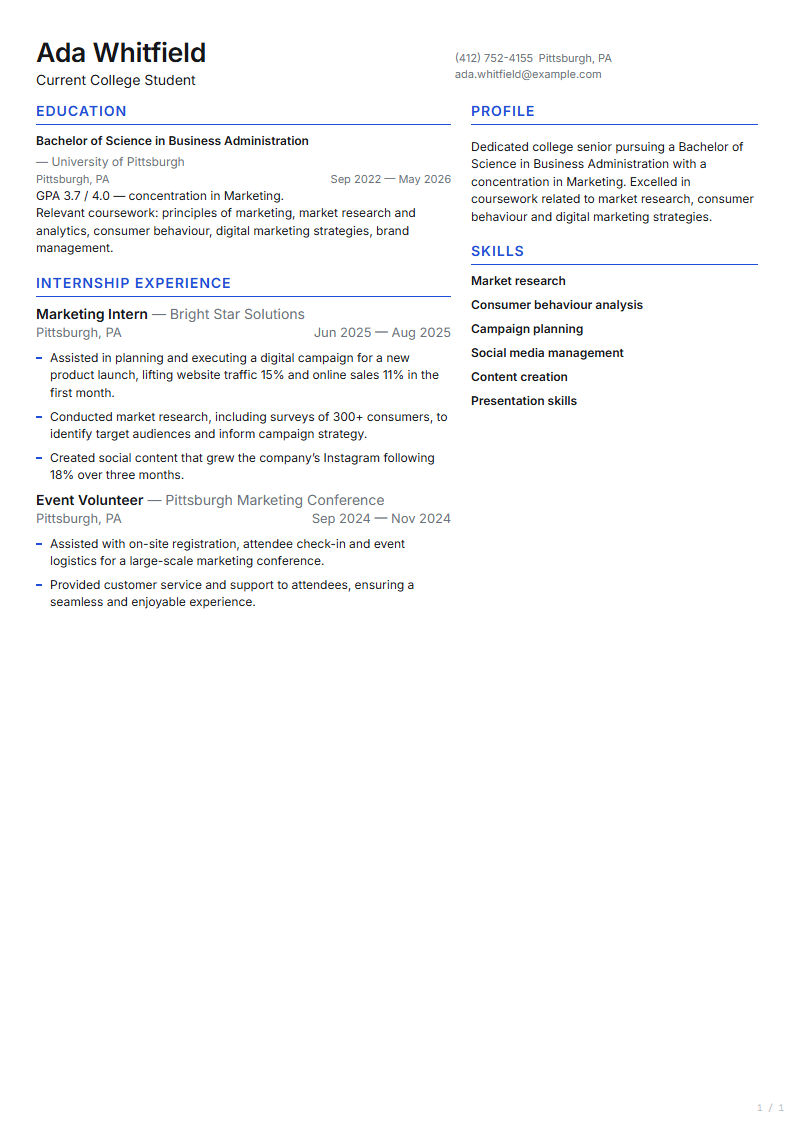
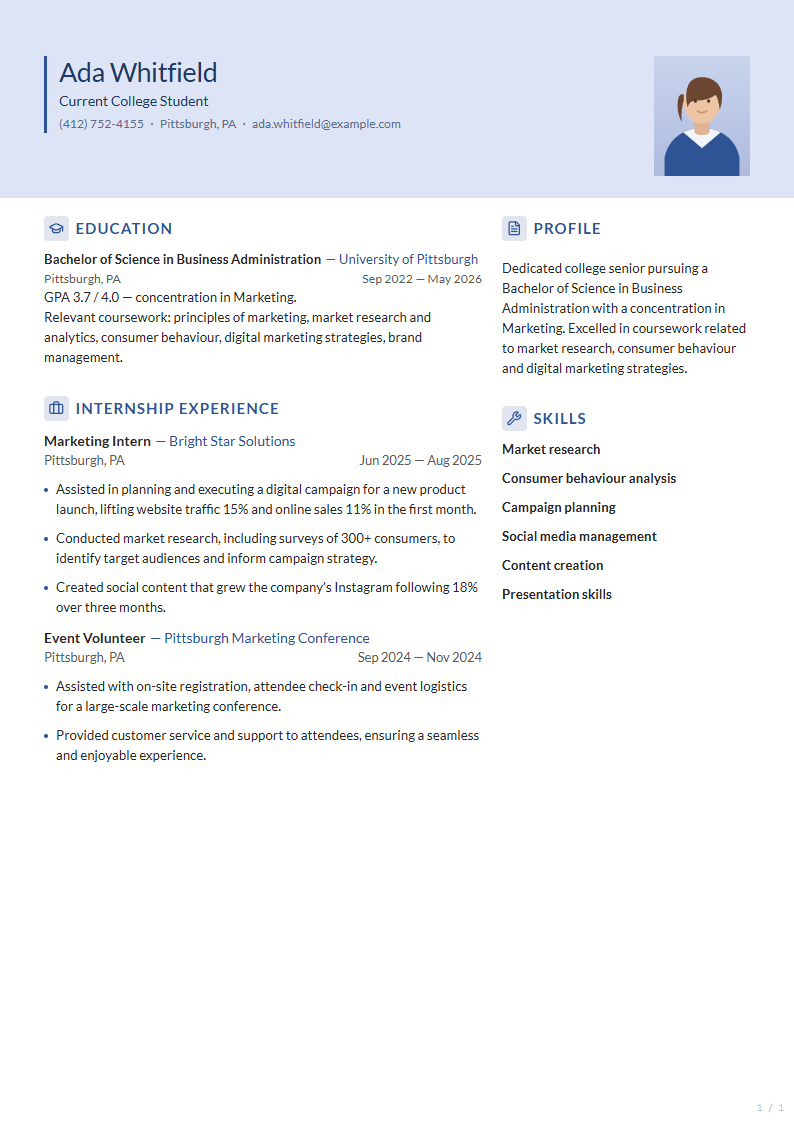
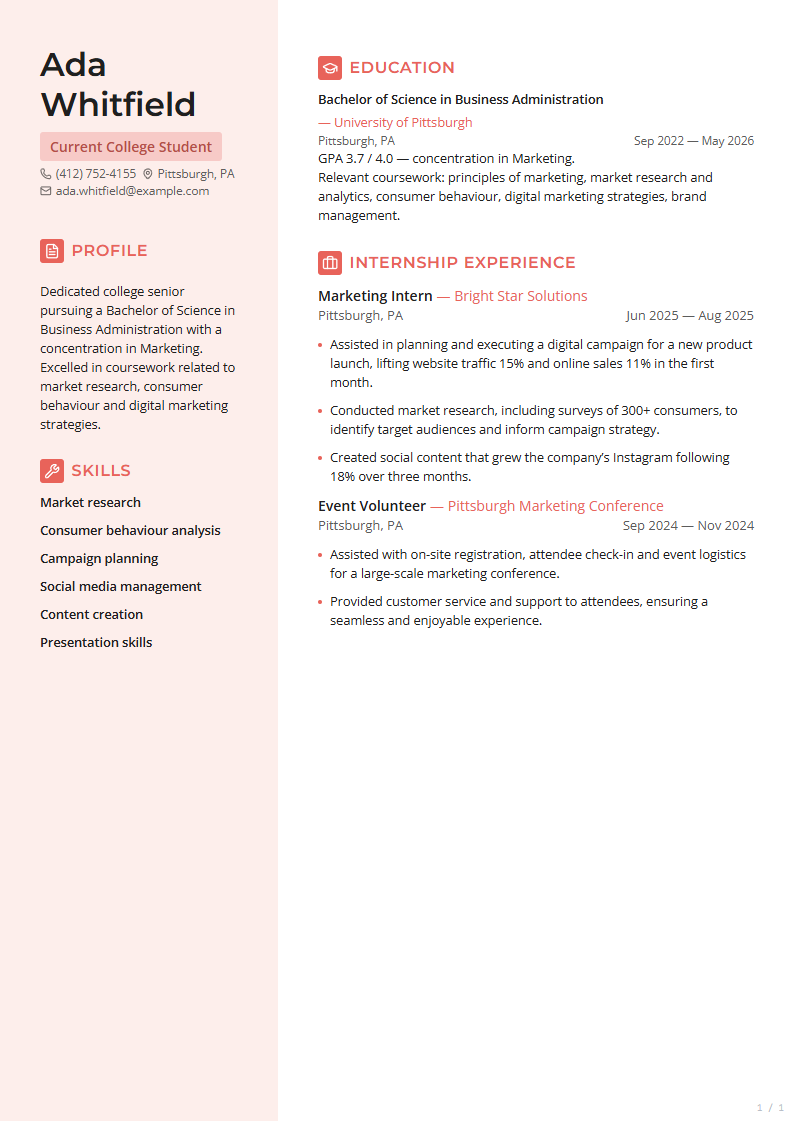
Twelve ways to set the same words.
Haisleaf ships 12 resume templates, and switching between them changes only the typesetting — your content stays exactly where it is, and the switch is its own version you can undo.
Switch template at any point. Your content stays exactly where it is — only the typesetting changes, and the switch is its own version, so trying one costs nothing.
01Ruled heads
Classic
02Barred heads · wide
Classic Caps
03Dates in a rail
Classic Rail
04Centred plate · serif
Ledger
05Spine · dense
Rail Compact
06Strip · ruled heads
Banner Rule
07Two columns · dense
Atlas Dense
08Two columns · tinted head
Campus
09Filled rail · left
Studio
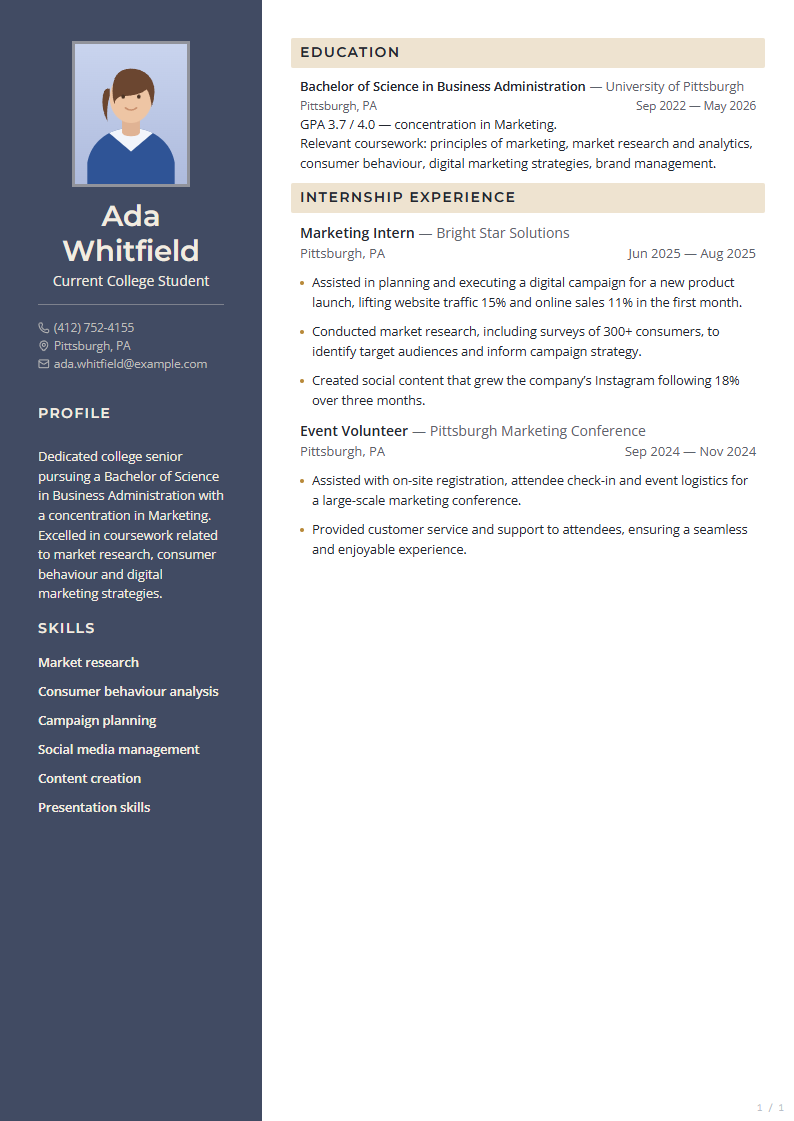
10Dark rail · portrait
Slate
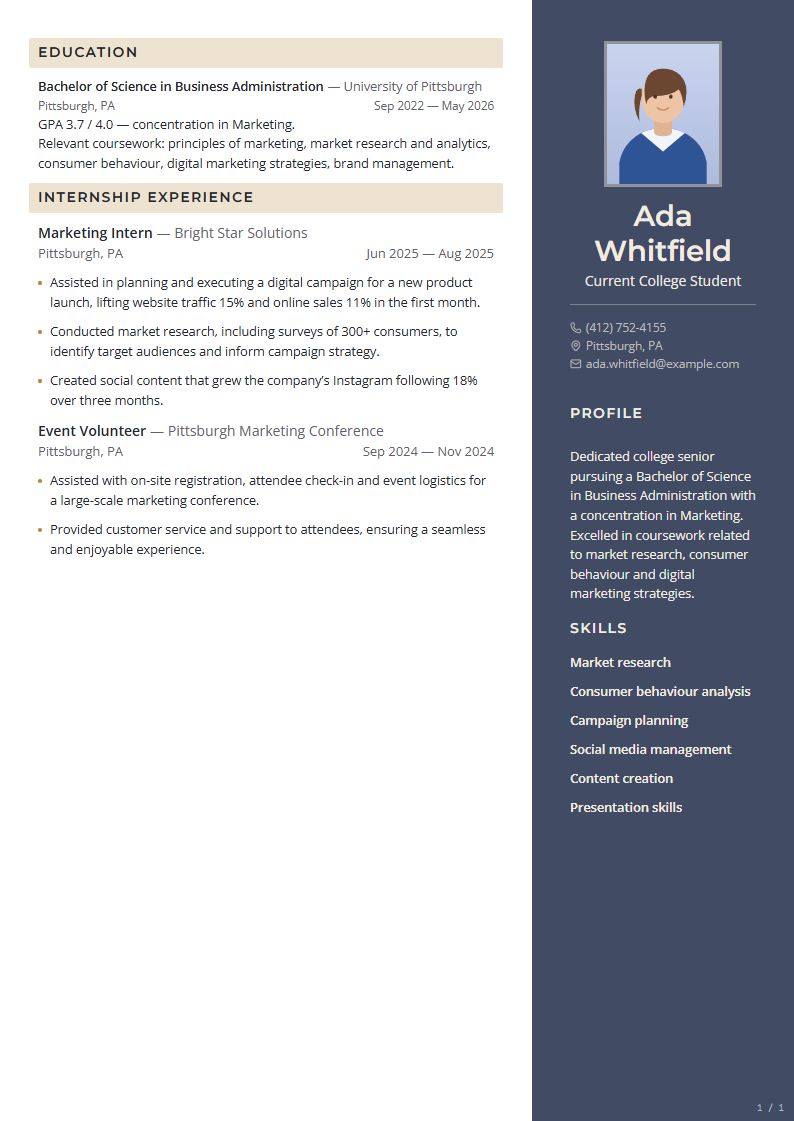
11Dark rail · right
Slate Right
12Dark band · tinted rail
Executive
13 —
The rest of the case


Every save is a version.
Saved versions are part of Pro. Haisleaf writes a timestamped version every time you save one, and keeps the last fifty — so tailoring a resume for a new role never overwrites the one that worked last month.
No “save as copy”, no duplicate files with confusing names. Hit save and Haisleaf stamps a version you can read, compare, and restore.
“Fourteen versions of one resume, and not one of them is a file on a desktop.”
- Restore in one clickRoll back to any point without losing what came after.
- Compare side by sideSee exactly which lines changed between two versions.
- Label a version per applicationKnow which resume you actually sent to which company.
Version history — 14 versions
| Version | Change | Saved | Status |
|---|---|---|---|
| v14 | Stripe — Staff Engineer | Current version | |
| v13 | Trimmed to one page | Earlier version | |
| v12 | Added Northbeam metrics | Earlier version | |
| v11 | Figma — Product Engineer | Earlier version | |
| v10 | Switched to Ledger template | Earlier version |
Know it will be read.
Haisleaf scores your resume against a job description, names the keywords it is missing, and points at the bullet where each one belongs — and every template exports as selectable single-column text, which is what an applicant tracking system actually parses.
Paste the job description. Haisleaf scores the match, names the keywords you’re missing, and points at the bullet where each one belongs.
Match score
87/100
Strong match for Staff Engineer, Payments.
Missing — 4
- idempotency
- PCI DSS
- reconciliation
- on-call
Found — 5
- TypeScript
- billing systems
- team lead
- Postgres
- migrations
NoteAdd “idempotency” to your Northbeam billing bullet — it already describes the work.
Sharper bullets in one pass.
Haisleaf suggests rewritten bullets next to the lines they replace. Nothing is applied until you accept it, and accepting writes its own version you can restore from.
Select a bullet and Haisleaf rewrites it around the outcome — verb first, number attached, filler gone. You approve every line before it lands on the page.
Proof
Free to build. Paid to go deep.
Haisleaf is free to use for one resume, with every template, PDF and plain-text export and shareable links; the $9-a-month Pro plan lifts that limit and adds saved versions and the job-description tools. There is no trial and no watermark on either.
Two tiers, no watermark on either of them, and nothing on your resume that says where it was made. No trial to forget to cancel — the free tier does not expire.
Starter
$0forever
Everything you need to write, typeset and export a resume.
- One resume
- Every template
- PDF and plain-text export
- Shareable link
Most picked
Pro
$9per month
Lifts both free-plan limits and adds the job-description tools.
- Unlimited resumes, and the last fifty versions of each
- Match a resume to a job description
- Rewrites anchored to a line, approved one by one
- Draft a first version from a posting
- Everything in Starter
People stopped keeping seven files on their desktop.
“I tailored 30 resumes in three weeks and never once lost a bullet I liked. The history panel is the whole product for me.”
Dani KaurBackend engineer, switched industries “The ATS score told me what four recruiters wouldn't. I added two words and started getting calls back.”
Marco ReyesNew grad, first role “I coach 60 students a term. Shared templates and comments cut my review time in half.”
Sofia LindqvistCareer services, KTH
Ten questions, answered plainly.
Is Haisleaf free?
Yes. The free plan has no time limit and no watermark: one resume, every template, PDF and plain-text export, and shareable links. The $9/month Pro plan lifts the one-resume limit and adds saved versions and the job-description tools — keyword matching and rewrites you approve one by one. There is no trial to cancel.
Does a new version get made on every single save?
On Pro, yes — every save writes a timestamped version, and Haisleaf keeps the last fifty. Saves inside a two-minute window collapse into one entry so your history stays readable, and you can name any version afterwards. The free plan does not save versions.
Will my resume survive an applicant tracking system?
Every template exports as selectable, single-column text under the styling. You can also export plain text to check exactly what a parser sees.
Does Haisleaf work with Workday, Greenhouse and Lever?
Yes. Haisleaf exports a standard PDF with selectable text in a single column, which is what those systems parse. Nothing about the export is specific to one vendor, and the plain-text export shows you the same text a parser reads before you upload anything.
Can I import a resume I already have?
Drop in a PDF or DOCX and Haisleaf maps it into sections and entries. You review the mapping before anything is saved as version one.
What file formats can I import and export?
Haisleaf imports PDF and DOCX, and exports PDF and plain text. Older .doc files, Pages and OpenDocument are not supported — export those to PDF or DOCX first. The uploaded file is read in memory and never stored.
Does the AI rewrite change my resume on its own?
No. Rewrites appear as suggestions next to the bullet. Nothing is applied until you accept it, and accepting creates its own version.
Does the PDF look exactly like the editor?
Yes, and that is the point of the product. The editor and the exported PDF run the same pagination engine over the same document, so a line break, a page break and a font are decided once. What you see on screen is the page that comes out.
Who can see my resume?
Only you, until you create a share link. Links can be revoked at any time and are never indexed.
Do you train AI models on my resume?
No. Your resume is never used to train a model. The optional AI features send text to our AI provider to produce a suggestion and nothing is retained for training; the import and tailoring features are the only ones that send anything at all, and both are described in the privacy policy.